Customization
| Section | Description |
|---|---|
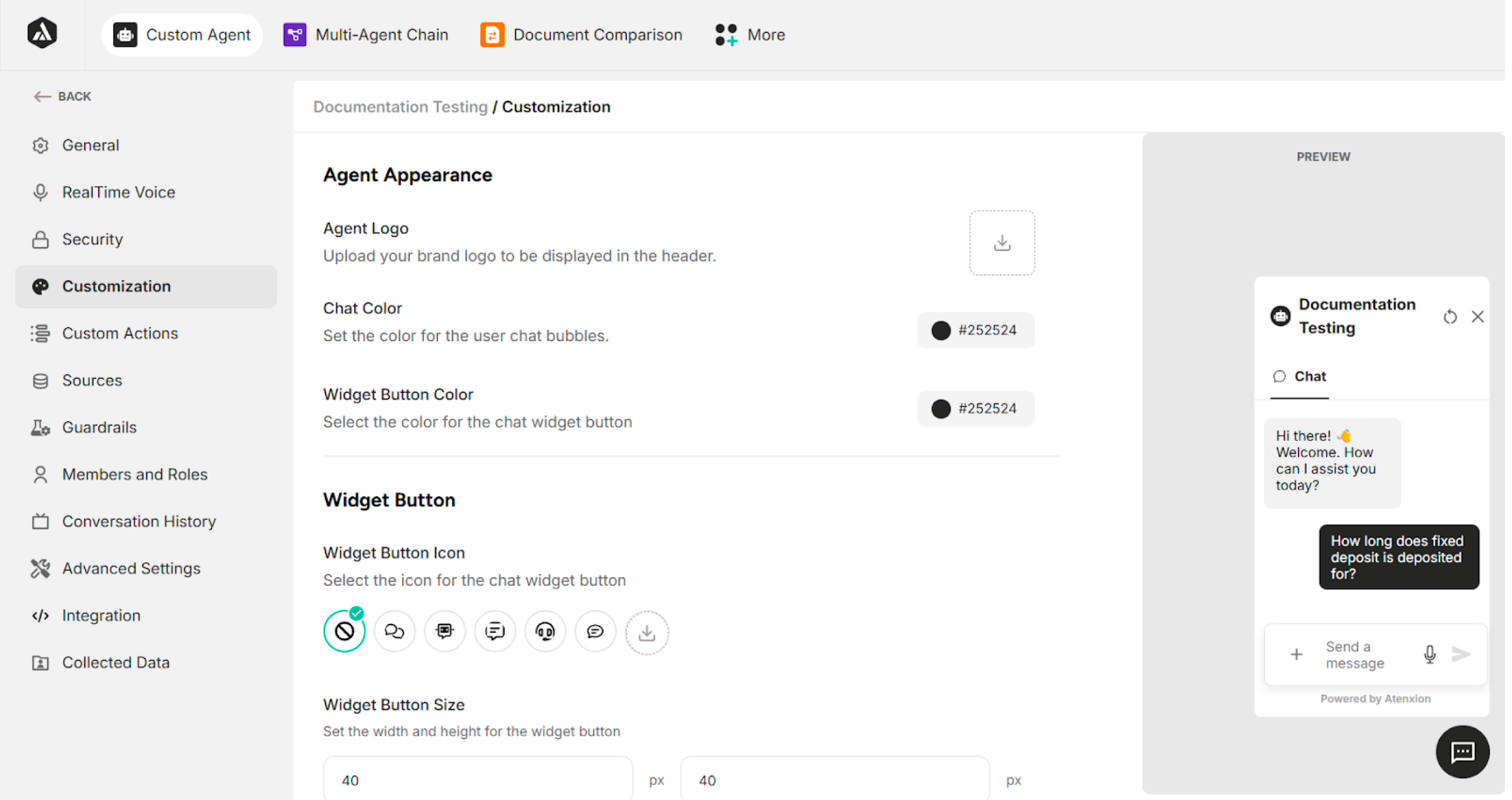
| Agent Appearance | Customize the agent's appearance |
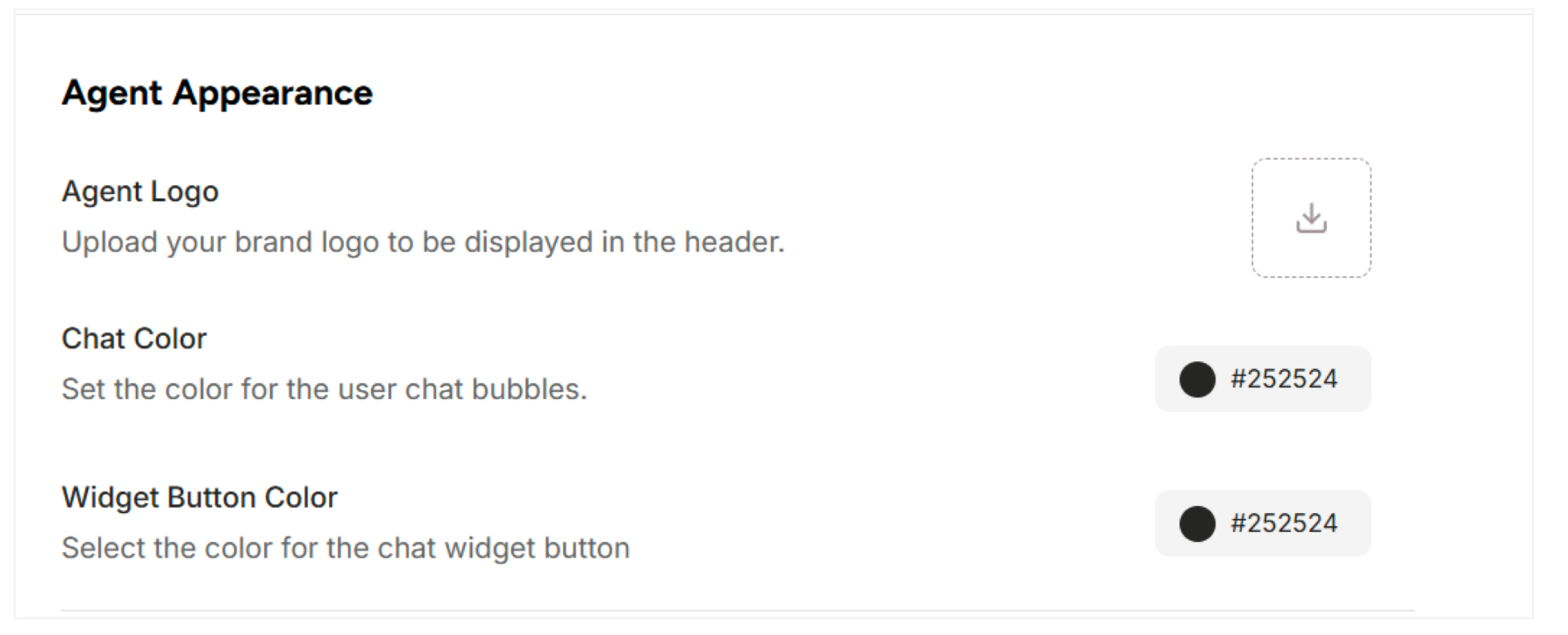
| Widget Button | Customize the widget button |
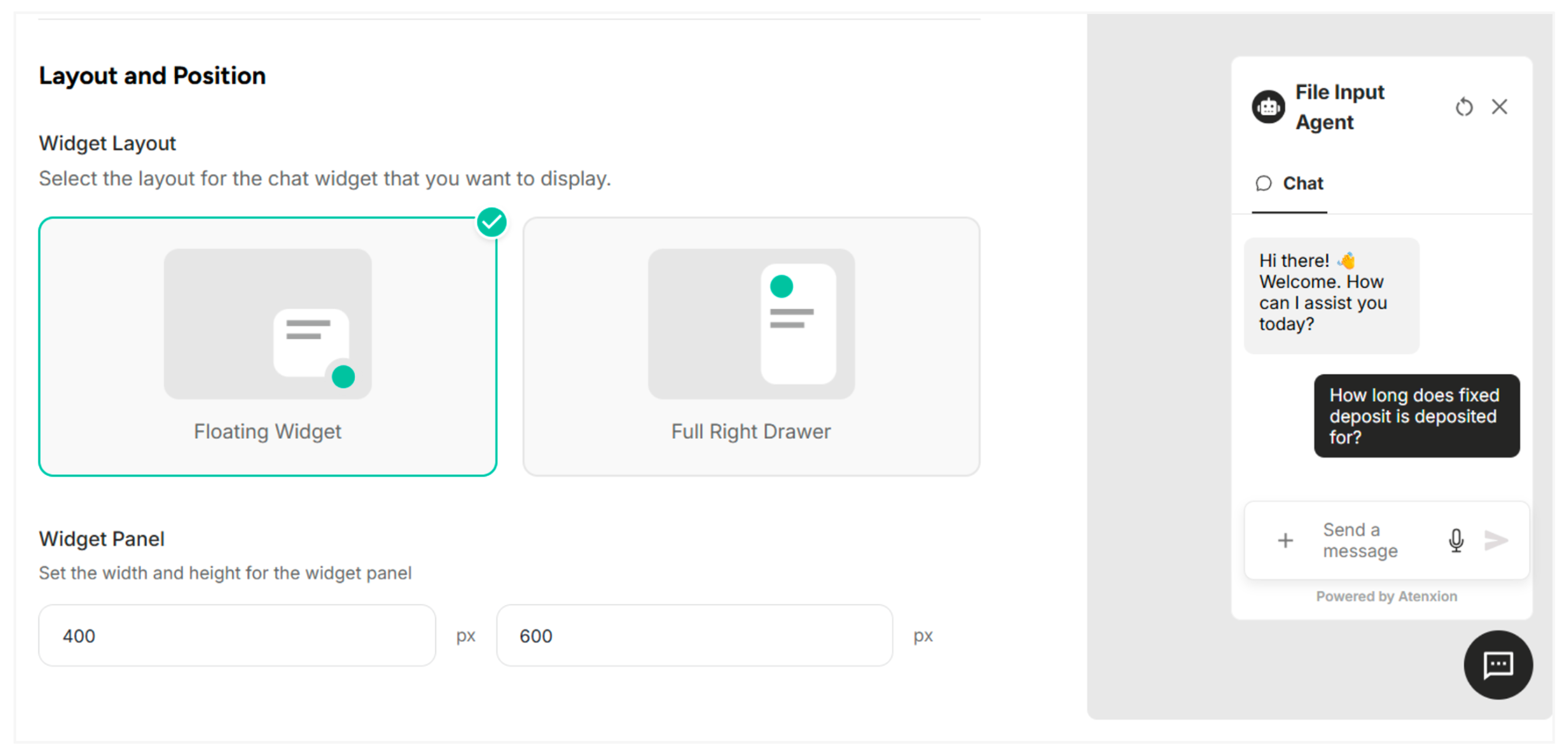
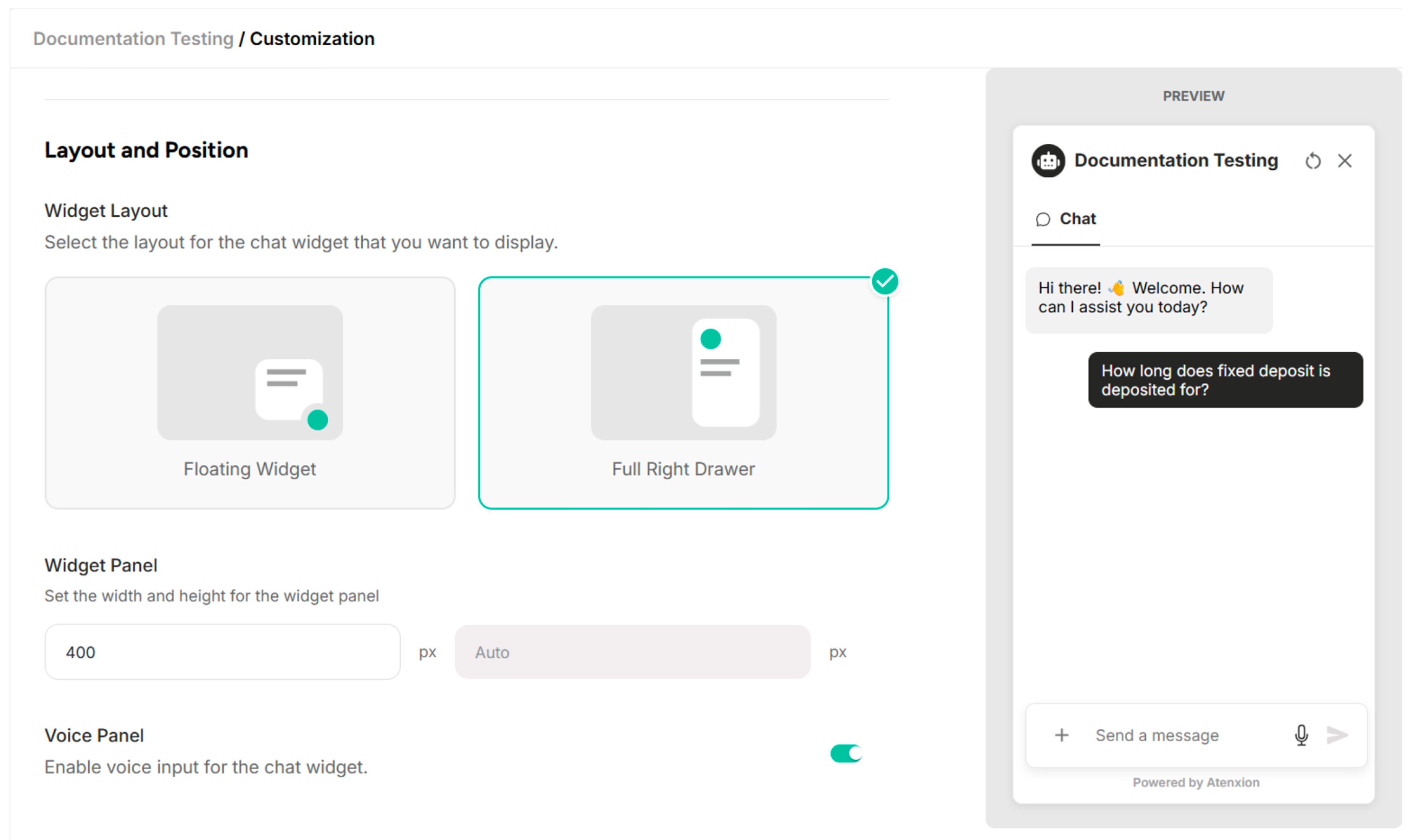
| Layout and Position | Select the layout and position |
Table: Sections Available in the Customization Settings
Agent Appearance
| Field | Description |
|---|---|
| Agent Logo | Upload your brand logo to be displayed in the header |
| Chat Color | Set the color for the user's chat bubbles |
| Widget Button Color | Select the color for the chat widget button |
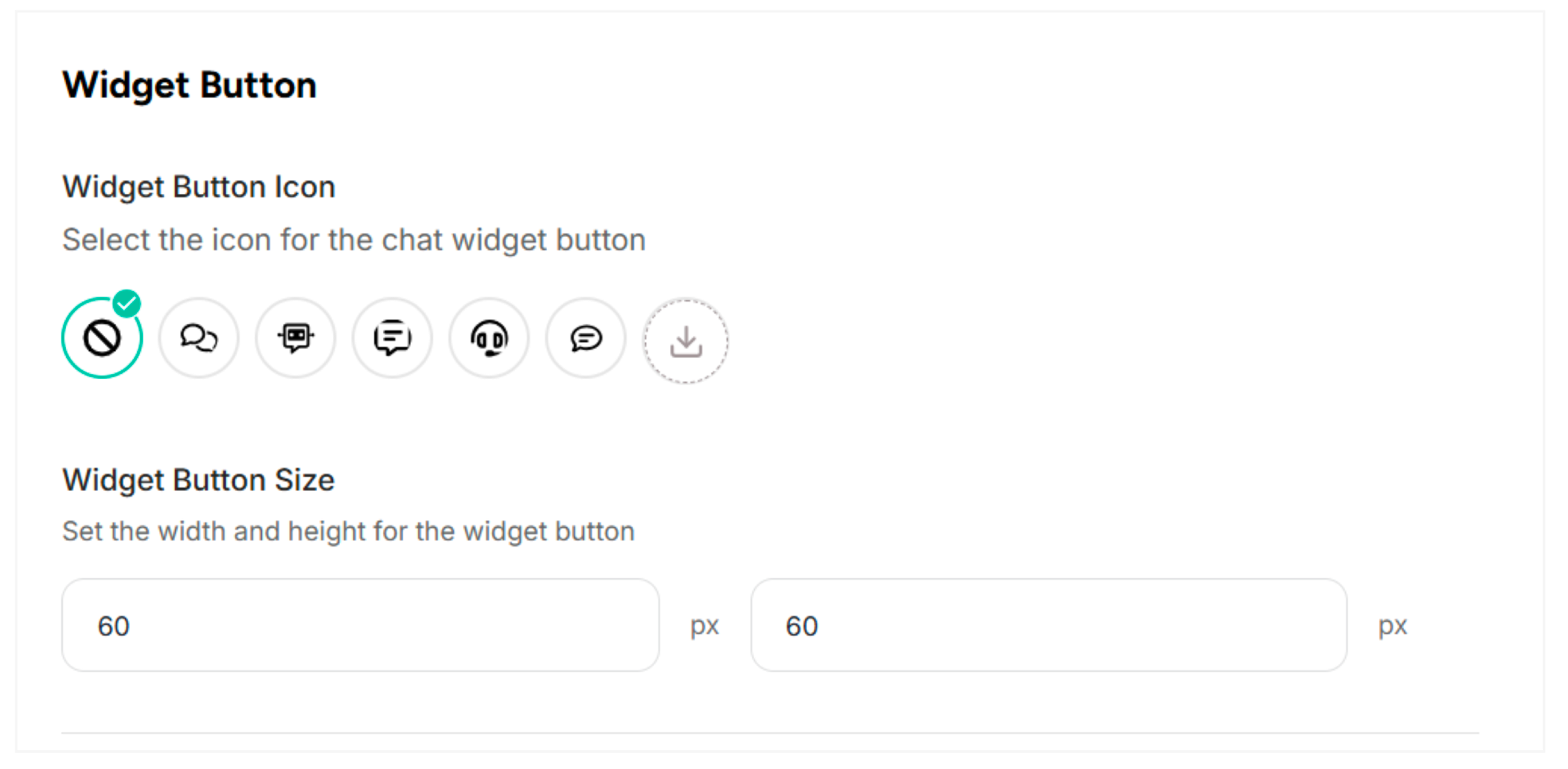
Widget Button
| Field | Description |
|---|---|
| Widget Button Icon | Select the icon for the chat widget button |
| Widget Button Size | Set the width and height for the widget button |
Layout and Position
| Field | Description |
|---|---|
| Widget Layout | Select the layout for the chat widget that you want to display |
| Widget Panel | Set the width and height for the widget panel |